
Games Team Fortress 2
Team Fortress 2 server hosting
The mercs are eternal.
from …/mo · … recommended · online in a click
Why host Team Fortress 2 with us
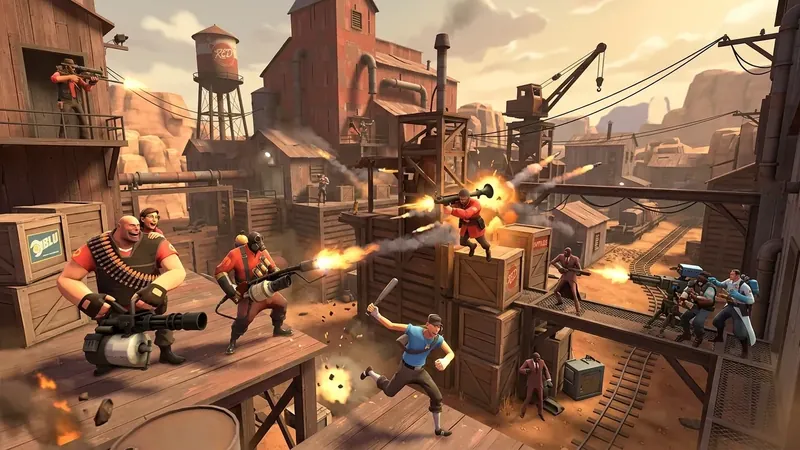
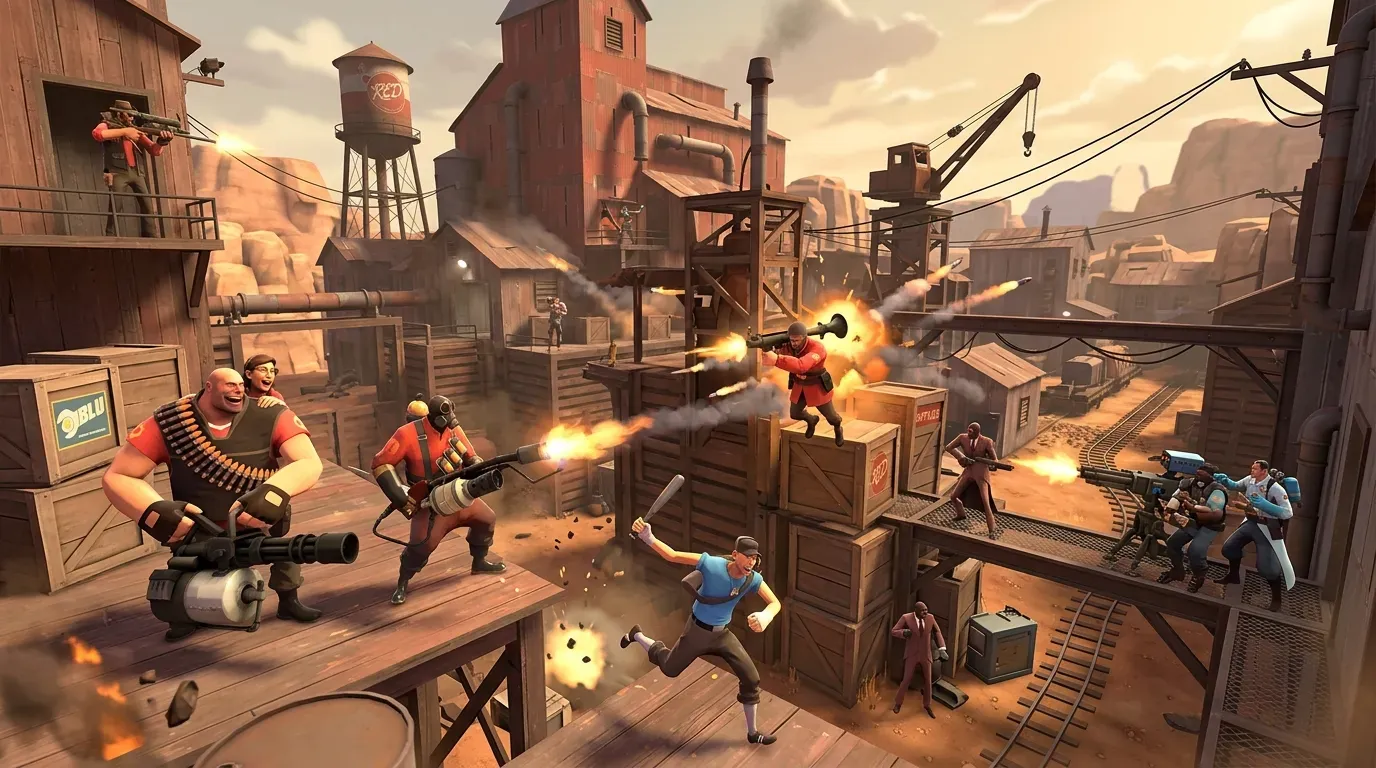
Community TF2 runs on rituals: the 24/7 2Fort, the MGE server, the weekend rotation. Set yours up with the map pool, random crits and team balance the way your crowd likes them — and when you want more, SourceMod mods install in one click.
- Map time limit, win limit, random crits and team balance from the panel
- SourceMod mods install in one click
- Player list, kicks and bans from the panel via RCON
- You bring the free Steam token — one paste and you’re listed
- 24-player pubs run great on the 4 GB tier
Hostwolf includes automatic backups, scheduled tasks, Fix-my-server diagnostics and email support. Instant setup in Germany, Finland, the US and Singapore; current availability and prices appear in the region picker.
You bring the Steam token — it’s free and takes a minute
TF2 servers must register a Steam Game Server Login Token (GSLT) owned by your Steam account to be listed in the server browser. Hostwolf never supplies or manages tokens — your server, your token (that’s Valve’s rule, and it keeps your server tied to you).
TF2 mods & resources
The tools we install with one click, plus the wikis and mod libraries worth keeping open in your next tab — full file access included.
Team Fortress 2 hosting FAQ
Can I install SourceMod plugins?
Yes — the Addons tab installs SourceMod mods in one click. Admin commands also work straight from the web console while you set things up.
How do I set my map rotation?
Upload maps with the file manager or SFTP and add them to your map cycle file — the time limit, win limit and team balance live in the panel’s Game tab.
Can I password our matches?
Yes — a join password and an RCON password are one field each on the Game tab, and all-talk is a toggle next to them.
How many players fit on a server?
24 slots run comfortably on 4 GB vanilla; busy community servers with plugins want 8 GB.
Can my admins moderate matches?
Yes — sub-users get their own panel login with only the permissions you grant, from the console to files and schedules.
Can I turn random crits off?
Yes — random crits, friendly fire and team balance are toggles in the panel’s Game tab.
Your Team Fortress 2 server, tonight
Deploy now — online in a click, cancel whenever.
Deploy a server